Other Services
If you can’t find the item you’re looking for in our collection, you can request that we obtain it for you.
The type of request you submit, whether an interlibrary loan (ILL) or a purchase request, depends on when the item was published.
Select an option to learn how to submit your request.
For items published in 2026 or 2025, please submit a purchase request.
For items published before 2025, please submit an interlibrary loan request.
If you don't know when the item was published, please request the item using our suggest for purchase form and provide as much detail as possible.
If you need help, please contact us.
Libraries across British Columbia participate in a province-wide Interlibrary Loan (ILL) system. This service allows patrons with a valid library card to borrow materials from other libraries in BC. There is usually no charge and items typically arrive within 7-10 days depending on provincial demand.
You can place an ILL request in the following ways:
- Online: Search for titles in other BC libraries and submit requests using IllumeBC
- In person: Speak with a PGPL staff member at one of our library branches
Watch our quick how-to video to learn how to use IllumeBC.
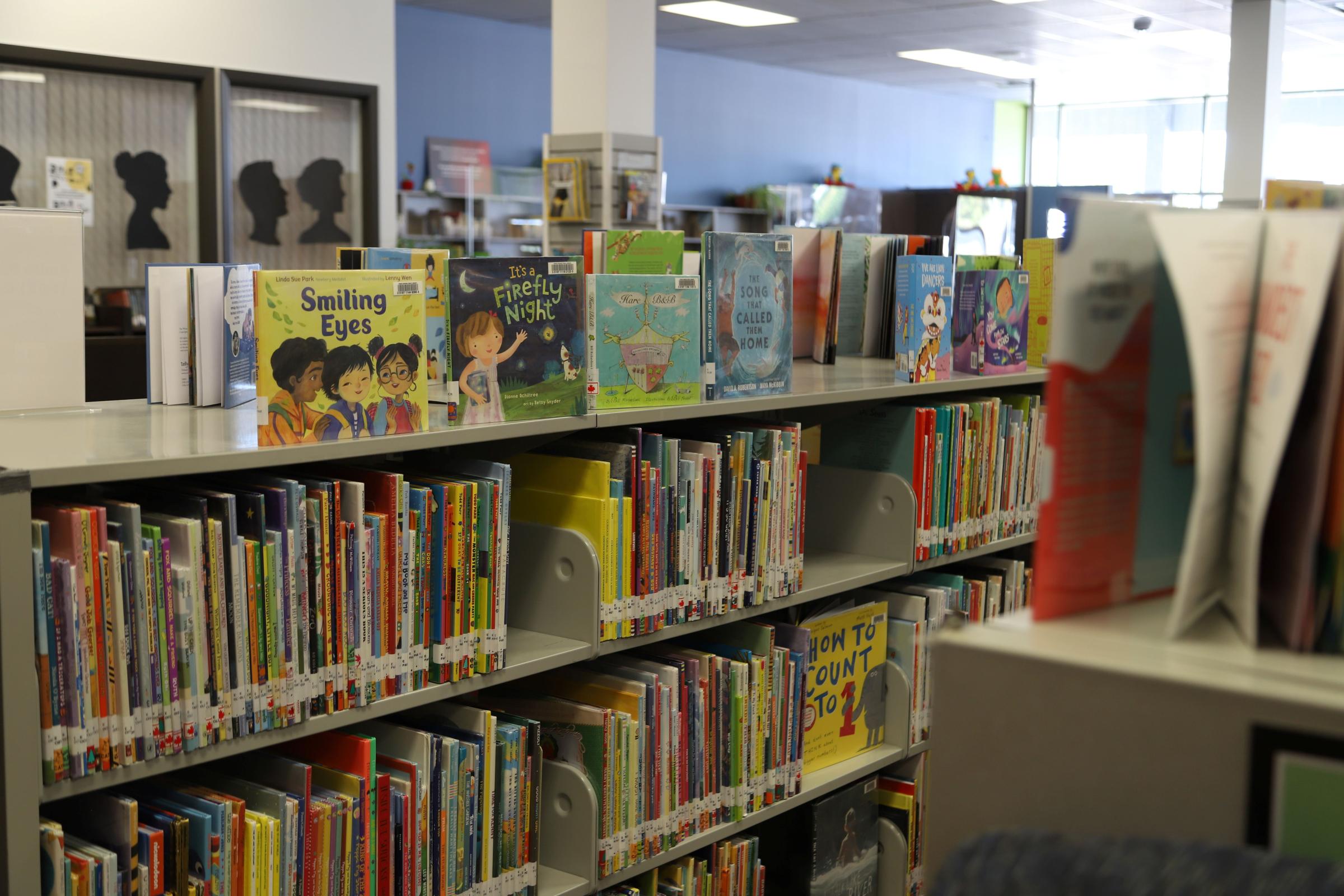
The following items can be requested:
- Books published more than 2 years ago
- Microfilm or photocopied articles
- Items not currently owned by PGPL
These items cannot be requested:
- Books published in the current or previous year. Please submit a purchase suggestion instead.
- DVDs, Music CDs, Video Games, Books on CD
- Magazines
- Most loans are for two weeks
- Some lending libraries allow one renewal
- Academic institutions do not permit renewals
- A due date slip will be provided when you pick up your item
- You may have up to 5 active ILL requests at one time
Interlibrary loan service is free for patrons with an active library card.
Some academic libraries may charge a small lending fee. If a lending institution charges a fee, we will contact you before processing the request to confirm whether you wish to proceed.
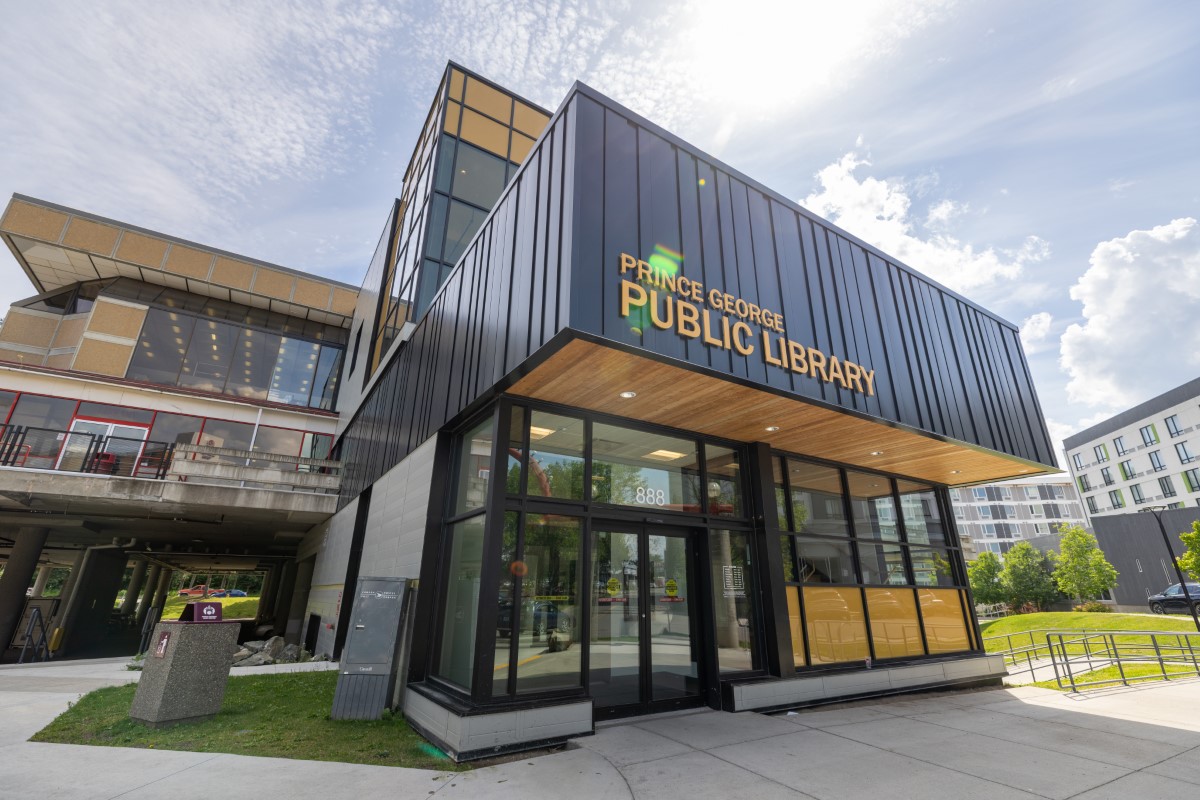
If you have questions or need help placing your interlibrary loan request, please contact us:
- Phone: 250-563-9251 ext. 125
- Email: Use our contact form
Watch this 2-minute video to learn how to do the following in the Illume interlibrary loan system:
- Request an item from a library in BC
- Check the status of an item you have requested
- Cancel a request that you no longer need
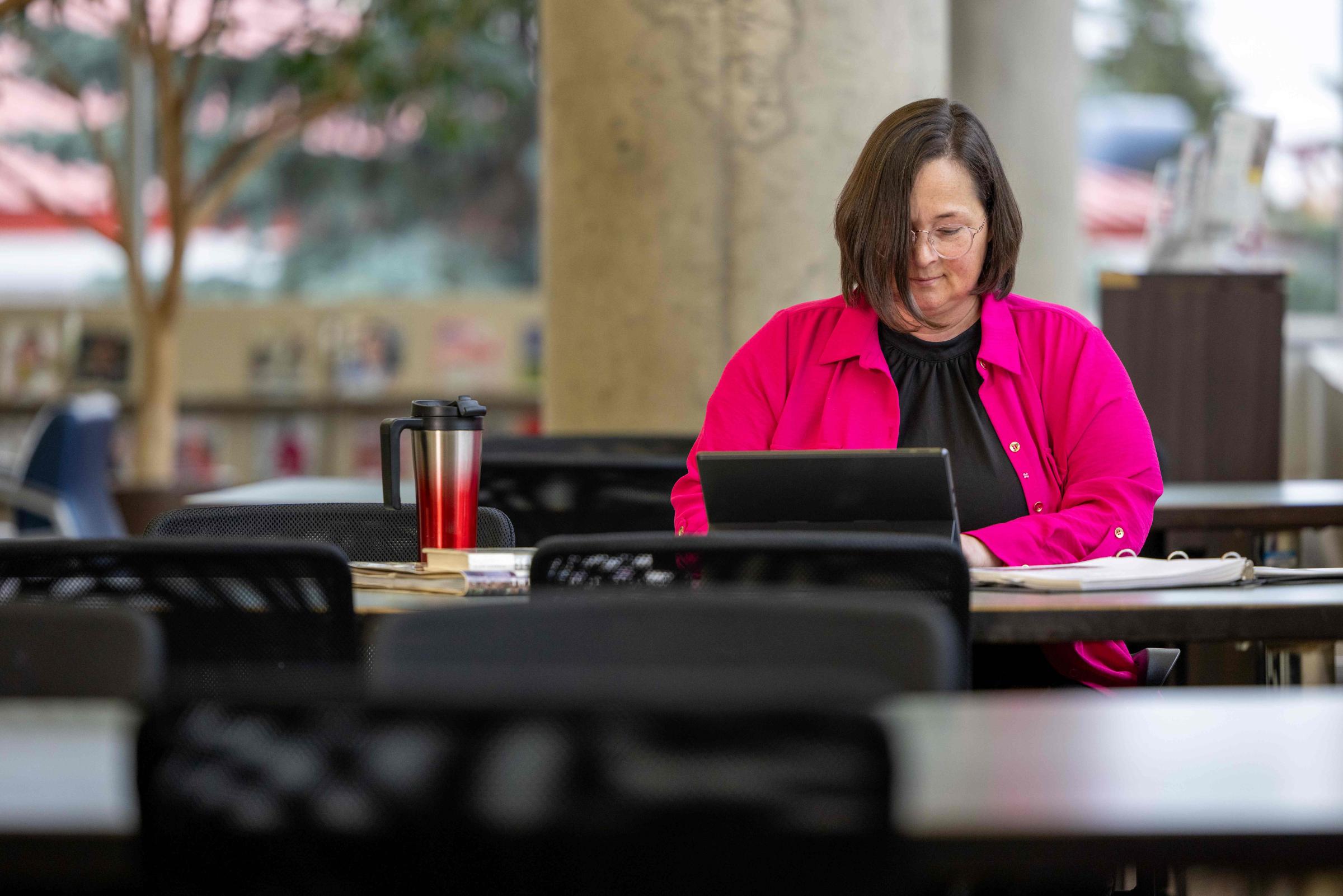
Free Wi-Fi is available at both the Bob Harkins and Nechako library branches during regular hours of operation.
Follow these steps to connect:
- Open the Wi-Fi settings on your device and select the "Prince George Public Library" wireless network
- Follow the on-screen prompts on your device to access the connection page
- A page will display in your web browser. Review the terms of service on the page and then click the "Connect" button
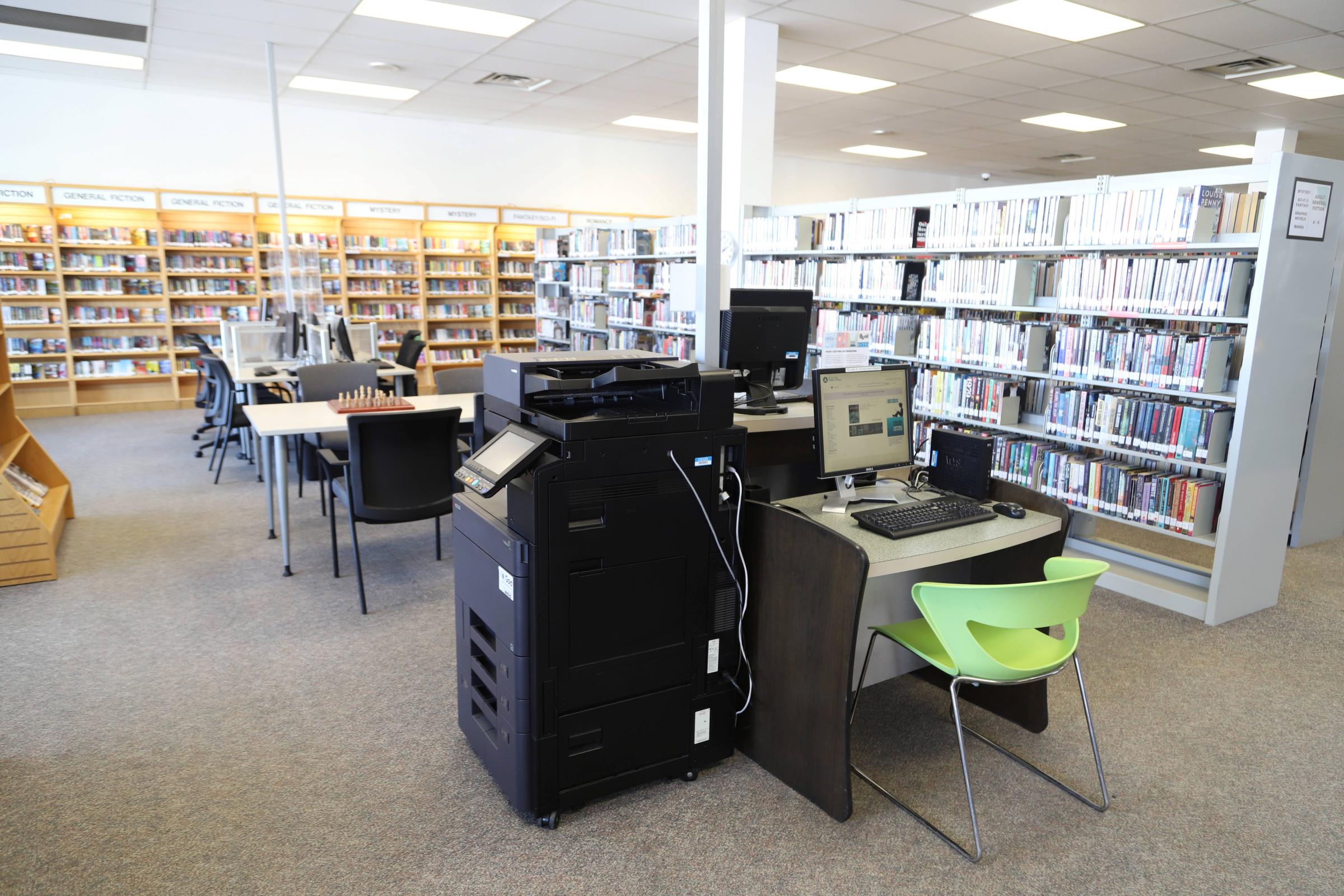
Documents can be printed from our public computers or from your mobile device using our wireless printing service (see the "printing from a mobile device" tab above):
- The cost for printing & photocopying is $0.10/page (black & white) or $1.00/page (colour)
- You can pay at a service desk or with coins at the printer
- Print jobs can be retrieved from any print station at either branch of the library
Document scanning to email or USB is available at no charge.
We offer free outgoing faxes but are unable to receive incoming faxes.
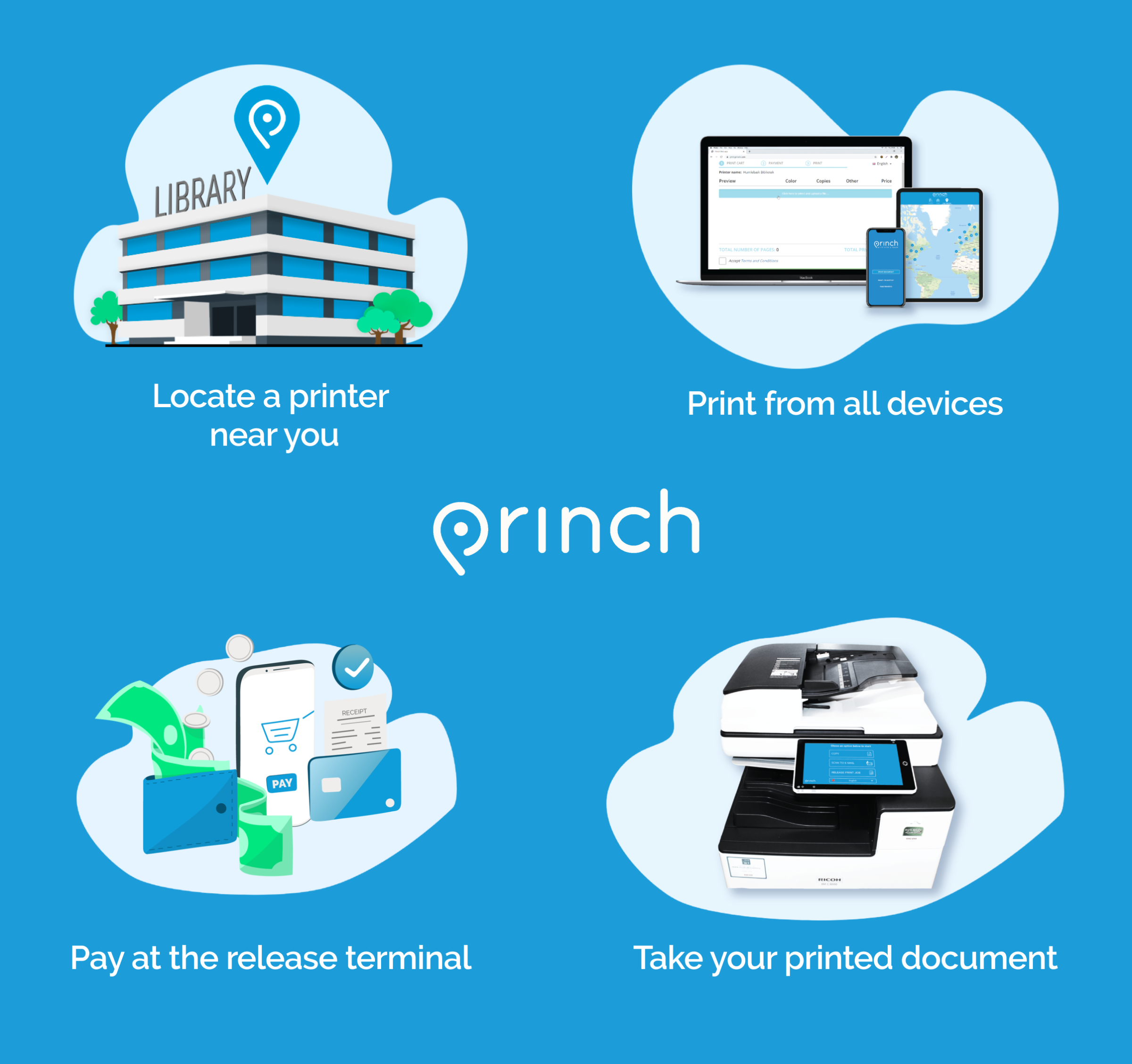
Send a print job from an internet-connected device (such as a smartphone or laptop) and pick it up from either the Bob Harkins or Nechako library branches using our Princh service.
Here is how it works:
- Open our Princh page in your web browser
- Follow the on-screen prompts to upload your file
- Enter your email address when prompted
- Visit the print release station at either the Bob Harkins or Nechako library branch and enter your email address to print your document
- Printing is available in black & white for $0.10 per page or in colour for $1.00 per page.
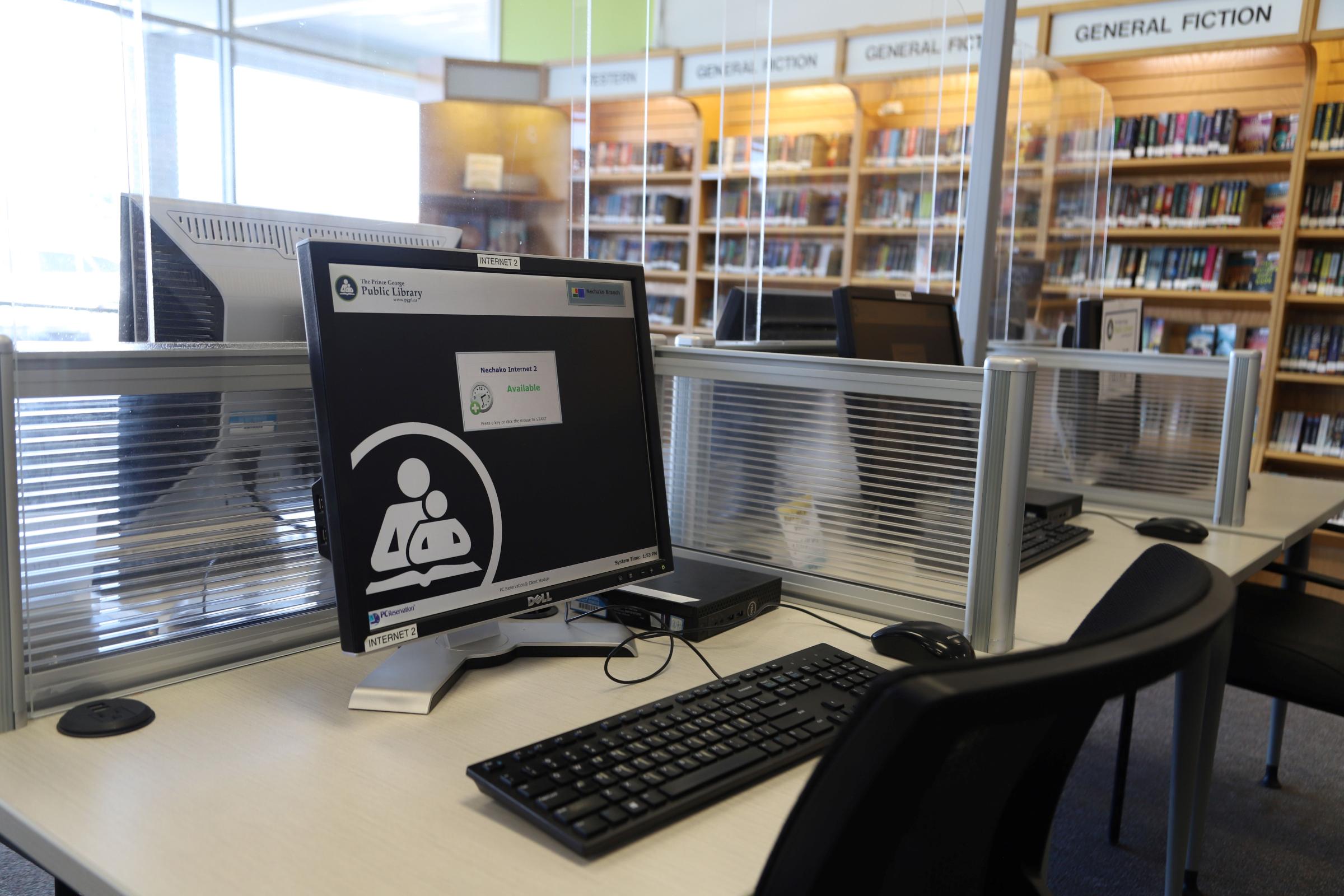
If you have a library card:
- Proceed to a computer that displays "Available" on the screen
- Click "Log In as Patron"
- Enter your Library card number and PIN and then click "Login"
If you do not have a library card:
- Go to a service desk and ask a staff member for a guest pass to use the computer
- Proceed to a computer that displays "Available" on the screen
- Click the mouse once, then click "Log In as Guest"
- After "Library Card Number< type the 6-digit coce on your pass
- After "PIN", type the 4-digit code on your pass, then click "Log In"
The Prince George Public Library has partnered with the Regional District of Fraser-Fort George to provide free access to some of North Central BC’s premier museums, galleries and cultural attractions.
The Discovery Pass provides free general admission to all designated attractions for any combination of up to four adults or children. The pass is not valid for admission to special events. Pass borrowers may visit as many of the designated attractions as they would like, but must present both a PGPL checkout receipt and the Discovery Pass to gain admission at each attraction.
The Discovery Pass is valid for a period of two weeks. Place a hold in the library's catalogue to reserve a Discovery Pass for future loan.
For a list of all the participating Northern Routes attractions, with hours/dates of operation, please visit www.northernroutes.ca
If there is a title you would like to see added to the PGPL collection, please use our suggest for purchase form to submit your recommendation. Titles must be published in the current or previous calendar year to be considered for purchase.
If you would like to request a title published before last year, please submit an interlibrary loan request instead.
We review each suggestion taking into account cost, availability, and the guidelines in our collection development policy. While we appreciate every recommendation, we are not able to purchase every title that is suggested.
Your library card gives you access to a wide range of kits, gadgets, and games that can be borrowed and enjoyed. Measure the radon levels in your home, mend your favourite pair of jeans, host a family game night, and more!
Select an option to learn more.
- Bat backpack
- Bat detector device, field guide, and bat-friendly red light flashlights
- Birdwatching backpack
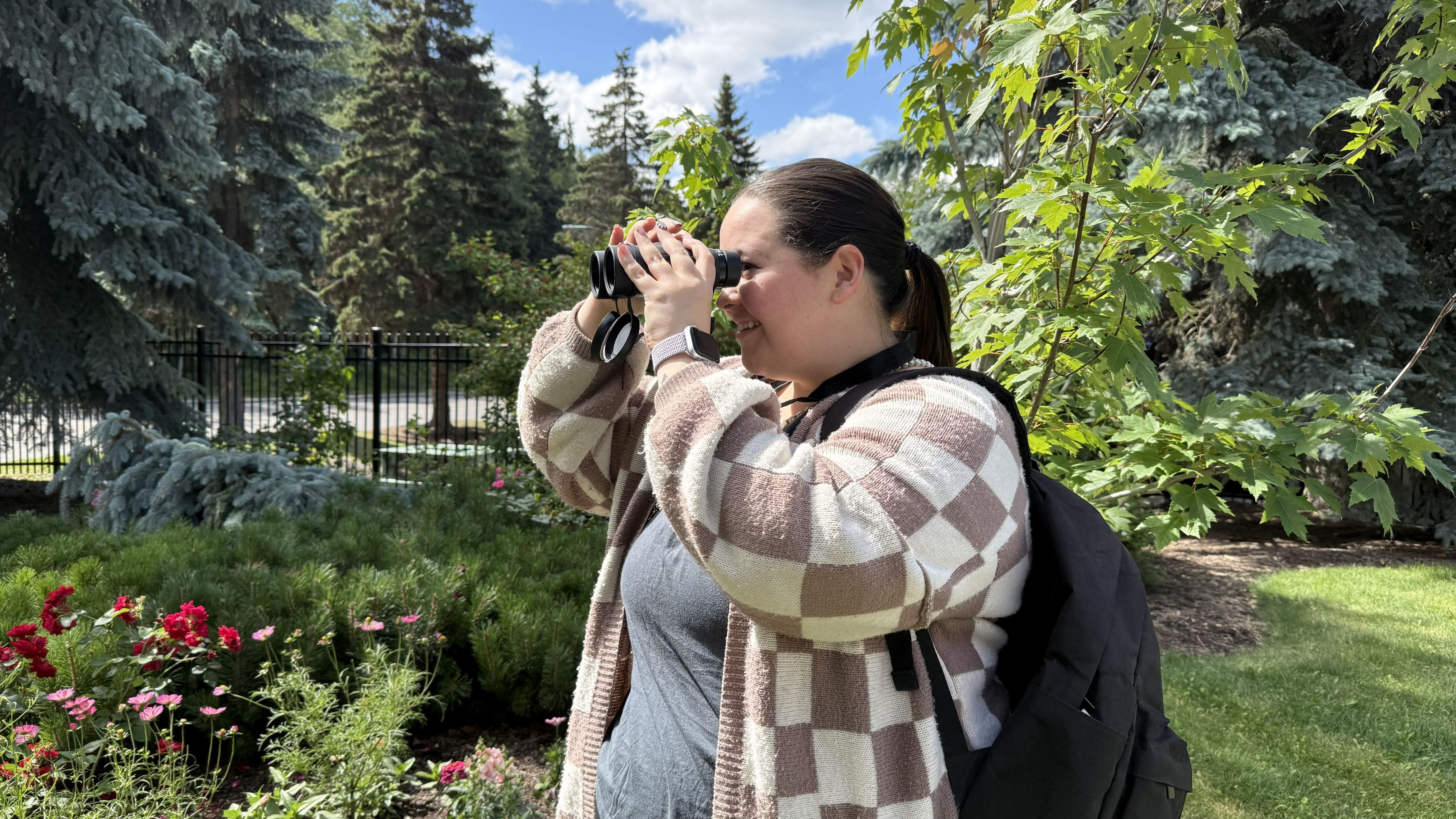
- Binoculars, field guide, and local bird checklist
- Hiking backpack
- Hiking backpack, trekking poles, hiking route guide, emergency bivy, headlamps, first aid kit, and compass
- Bicycle tool set
- Various tools for removing and adjusting bicycle components
- Sewing kit
- Fabric scissors, pin cushion, pins, sewing machine needles, freehand needles, seam gauge, thimbles, seam ripper, snips, fabric pencil
- Beginner ukulele
- Ukulele, picks, spare string, digital tuner, instruction & song books
- Folding piano
- Folding piano, music stand, pieano pedal, chords sheet and lesson books
- Baby to tot milestone kits
- Activity toys and programs for babies and tots of different ages
Many more kits are available than what is listed here. Check the library catalogue for the full list.
- Chromebook
- 15.6" Chromebook laptop computer, carrying case, and mouse
- Radon detector
- Digital radon detector and information guide - available for loan November to March only
- Telescope
- Celestron 70mm refractor telescope, instruction manual, finderscope with bracket and eye pieces, tripod, field guide
- Board games
- Board games for a variety of ages and skill levels
- Video games
- Playstation 4 & 5, Xbox One & Series X, Switch 1 & 2 games for a variety of age levels